

To create an AI Receptionist for a clinic, start with the clinic’s real call workflow, not the voice technology. Map caller intents, approve the knowledge the AI may use, define booking and escalation rules, connect the phone and calendar systems, then test difficult conversations before launch.
The voice is only one layer. The operating logic is what makes the receptionist useful.
Step 1: Map why people contact the clinic
Review real calls, form enquiries and front-desk notes. Group them into clear intents such as:
- new-patient or new-client consultation;
- treatment or service enquiry;
- existing appointment confirmation;
- rescheduling or cancellation;
- opening hours, directions and parking;
- pricing or payment-process questions;
- referral, records or administrative request;
- urgent, sensitive or clinical concern;
- request to speak with a person.
Do not start with one long script. Start with the decisions the conversation must make.
Step 2: Define what the AI may and may not say
Create an approved knowledge base using information the clinic is comfortable communicating consistently. Include services, locations, hours, booking process and other practical answers.
Then document boundaries. For a healthcare or treatment-led business, the AI should not diagnose, determine suitability, prescribe, guarantee results or improvise medical advice.
Every restricted topic needs a next action: transfer the call, collect details for a callback, provide an approved urgent-care instruction or direct the caller to emergency services when the clinic’s policy requires it.
Step 3: Design the conversation paths
Each high-volume intent needs a short, natural path.
For a new consultation, the path may be:
- Identify the caller.
- Understand the service or treatment of interest.
- Ask the minimum approved qualification questions.
- Explain what happens at the consultation.
- Offer available times.
- Confirm the booking and contact details.
- Send a confirmation and create a summary.
The AI should be able to handle interruptions, corrections and questions without losing the original goal.
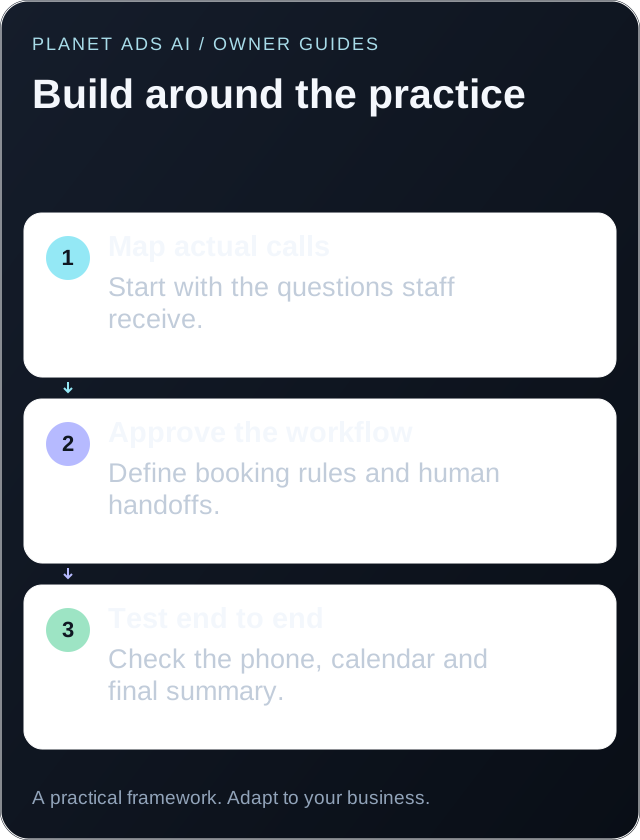
Step 4: Build booking rules before connecting the calendar
Calendar access without booking logic creates mistakes. Define:
- appointment types and durations;
- provider and room requirements;
- location rules;
- minimum notice and scheduling windows;
- buffers between appointments;
- new versus existing patient rules;
- deposit or manual-approval requirements;
- rescheduling and cancellation limits;
- situations that require staff review.
Test these rules in a separate calendar or restricted environment before allowing live bookings.
Step 5: Decide how phone calls reach the AI
Common approaches include forwarding an existing number, using the AI for overflow, activating it after hours or assigning a dedicated campaign number.
Choose the model based on the clinic’s risk tolerance and call pattern:
| Coverage model | Best use |
|---|---|
| After-hours only | Capture calls when the clinic is closed |
| Overflow | Answer when the front desk is busy |
| Specific campaigns | Handle calls from a defined advertising source |
| Primary line with handoff | Automate routine routing with human escalation |
A phased launch often begins with after-hours or overflow coverage before expanding.
Step 6: Configure summaries, notifications and handoffs
The clinic needs a clear result after every conversation. A useful call record may include:
- caller identity and contact information;
- reason for calling;
- answers to approved qualification questions;
- appointment status;
- promised next action;
- urgency or escalation label;
- concise call summary and transcript access.
Send notifications only to the people who need them. Too many alerts create a new form of front-desk noise.
Step 7: Test normal, messy and unsafe scenarios
Create a launch test library. Include cooperative callers and difficult cases:
- a caller who speaks quickly or unclearly;
- background noise;
- multiple questions in one sentence;
- a changed appointment preference;
- an unavailable time;
- a clinical or sensitive question;
- frustration or a complaint;
- silence, interruption or disconnection;
- a direct request for a human;
- a caller who refuses to provide information.
For every test, review the conversation, final action, calendar result, summary and escalation.
Step 8: Launch with a narrow scope and review every outcome
Start with a controlled call type or schedule. Monitor conversations closely during the first phase and maintain a correction log.
Look for patterns rather than isolated awkward phrases. Repeated problems usually point to unclear knowledge, missing rules or an escalation gap.
Step 9: Measure outcomes, not just call volume
Track:
- answered-call rate;
- bookings completed correctly;
- qualified enquiries captured;
- calls transferred appropriately;
- booking or summary errors;
- conversations requiring manual recovery;
- front-desk feedback;
- customer or patient feedback.
An AI Receptionist is ready to expand when it produces reliable outcomes and the team trusts the handoff.
Build or buy?
Building from individual voice, language, telephony and calendar tools offers flexibility but requires ongoing technical ownership. A managed AI Receptionist service is usually faster when the business wants the workflow designed, tested and maintained as one system.
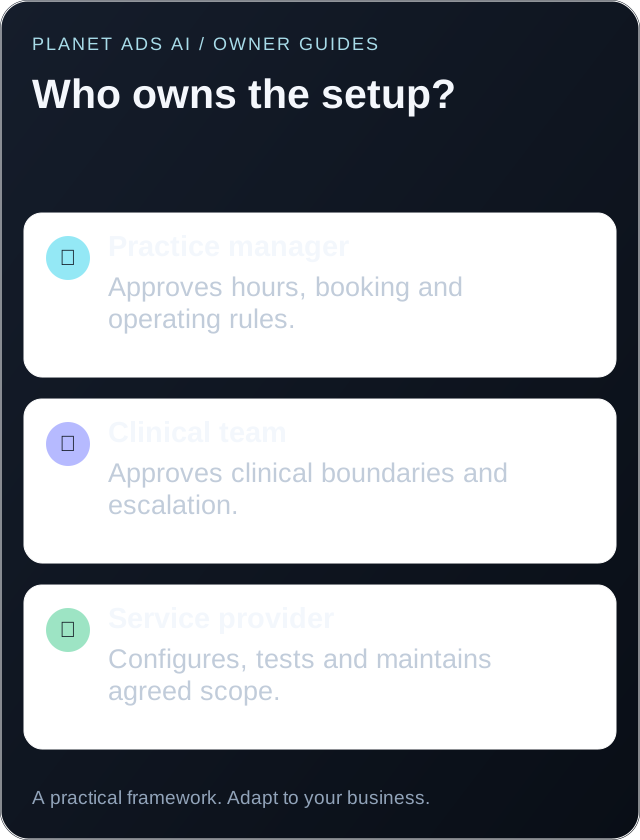
Keep a governance register
A one-page register makes the system easier to own:
| Item | Named owner | Review trigger |
|---|---|---|
| Approved knowledge | Operations or clinical lead | Service, price or policy change |
| Clinical boundaries | Licensed clinical owner | Any incident or regulatory change |
| Booking rules | Front-desk manager | Calendar or provider change |
| Data handling | Privacy or security owner | Vendor or retention change |
| Call quality | Operations owner | Weekly during launch, then monthly |
| Emergency fallback | Practice manager | Contact or opening-hours change |
Record version, approver and effective date. Every change should be tested against at least one normal call and one edge case before it reaches live traffic.
Use a red-team test set
Add cases designed to expose weak behavior: a caller asks the AI to ignore its rules, requests private information about another patient, uses ambiguous emergency language, repeatedly changes the appointment, asks for a guarantee or provides conflicting details. The correct outcome is often a safe refusal or handoff, not a completed booking.
NIST’s AI Risk Management Framework is a strong governance reference. US clinics should also review HHS guidance for cloud services handling ePHI. This guide is operational information, not legal advice.
What should the practice prepare before setup?
Give the implementation team a small, approved information pack. Include the current appointment types, opening hours, transfer contacts and the questions your front desk answers most often. Use invented patient details for demonstrations. The provider does not need a copy of your patient database to show how a new consultation call would work.
Choose one person at the practice who can resolve conflicting instructions. If the website says consultations are free but the front desk takes a deposit, settle that difference before training the receptionist. Otherwise, the automation will repeat whichever version it encounters.
Ask the provider to turn your instructions into three things you can review without technical knowledge: a sample conversation, a booking rules sheet and a diagram of where calls go when something fails. Keep those documents after launch so a staffing change does not erase the reasoning behind the setup.
What if your practice software cannot support direct booking?
An integration claim is not the same as permission to create appointments in your specific system. Confirm the software version, supported actions and how the provider verifies a successful booking.
If direct booking is unavailable, use a request workflow:
- Collect the preferred appointment type, location and contact details.
- Explain that the team must confirm availability.
- Create a task for a named staff member.
- Tell the caller when to expect an answer, using a window the practice can meet.
- Close the task only after the team confirms the outcome.
Do not say an appointment is booked when the system has only sent an email. A clear request process is more useful than a fragile integration that creates false confirmations.
What should happen when the practice changes an offer?
Treat an offer change as an operational update. Check the website, receptionist knowledge, booking description and confirmation message together. Run a test call asking about the old offer as well as the new one. This catches outdated prices that a normal booking test can miss.
The launch checklist gives your practice manager a practical way to approve the final setup.
If you want to create the workflow without assembling every layer yourself, enquire about an AI Receptionist demo.